This week: GPT-4o & Infinite Canvas

Hey Creators,
Today, we're releasing a big change to help you design more powerful apps:
Infinite Canvas. Let's dive in :)
Introducing
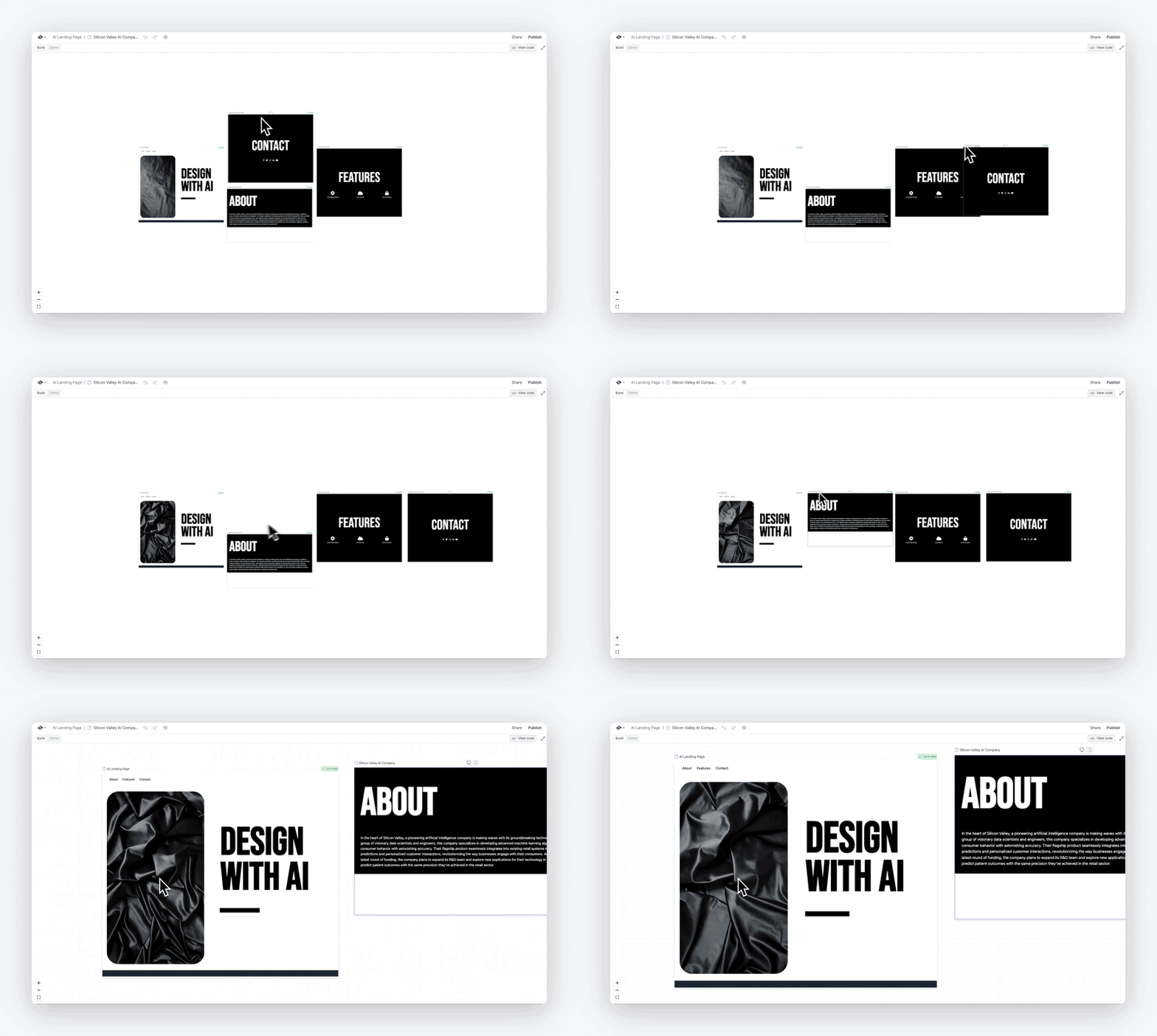
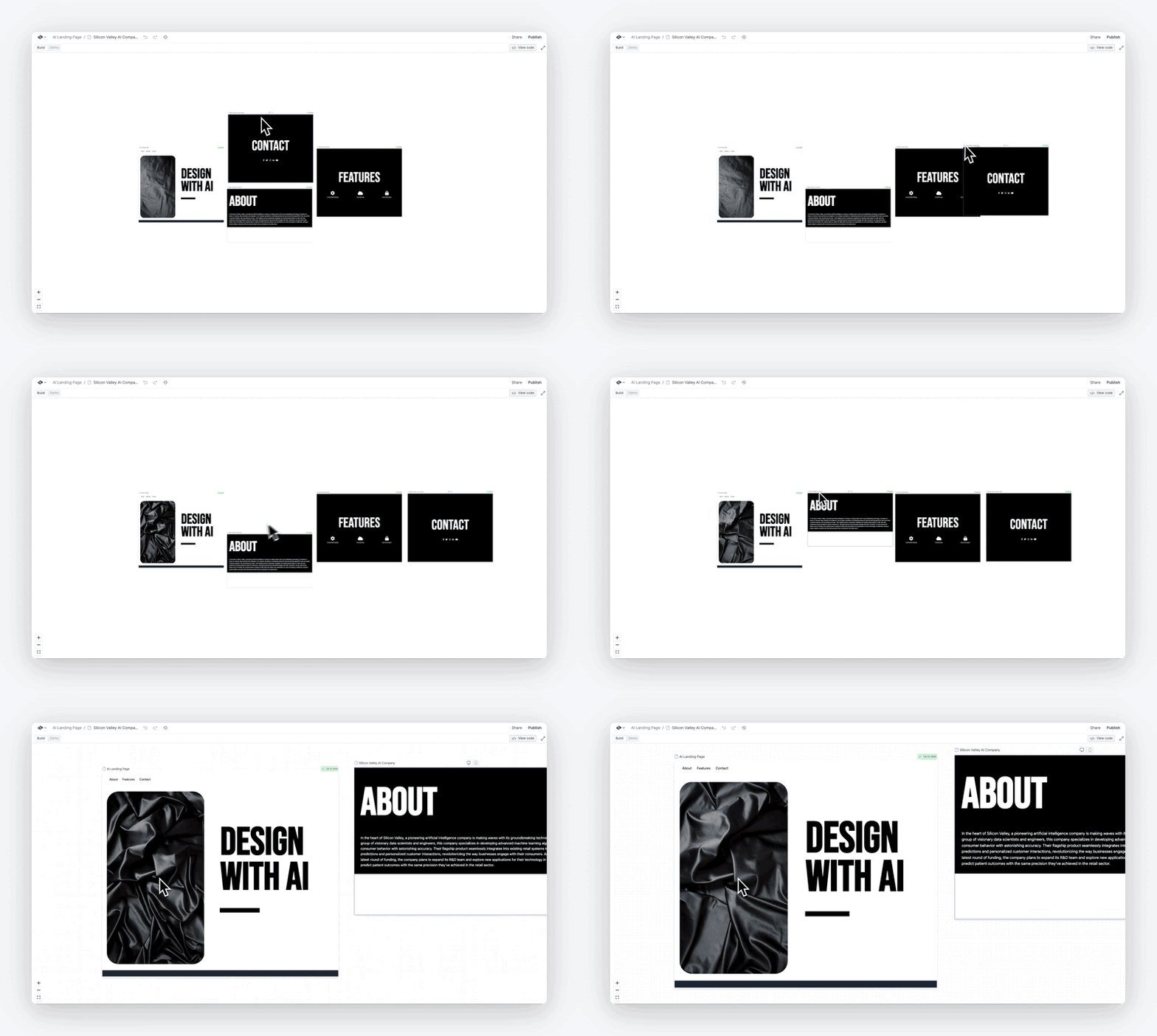
Infinite Canvas: build with everything in one place
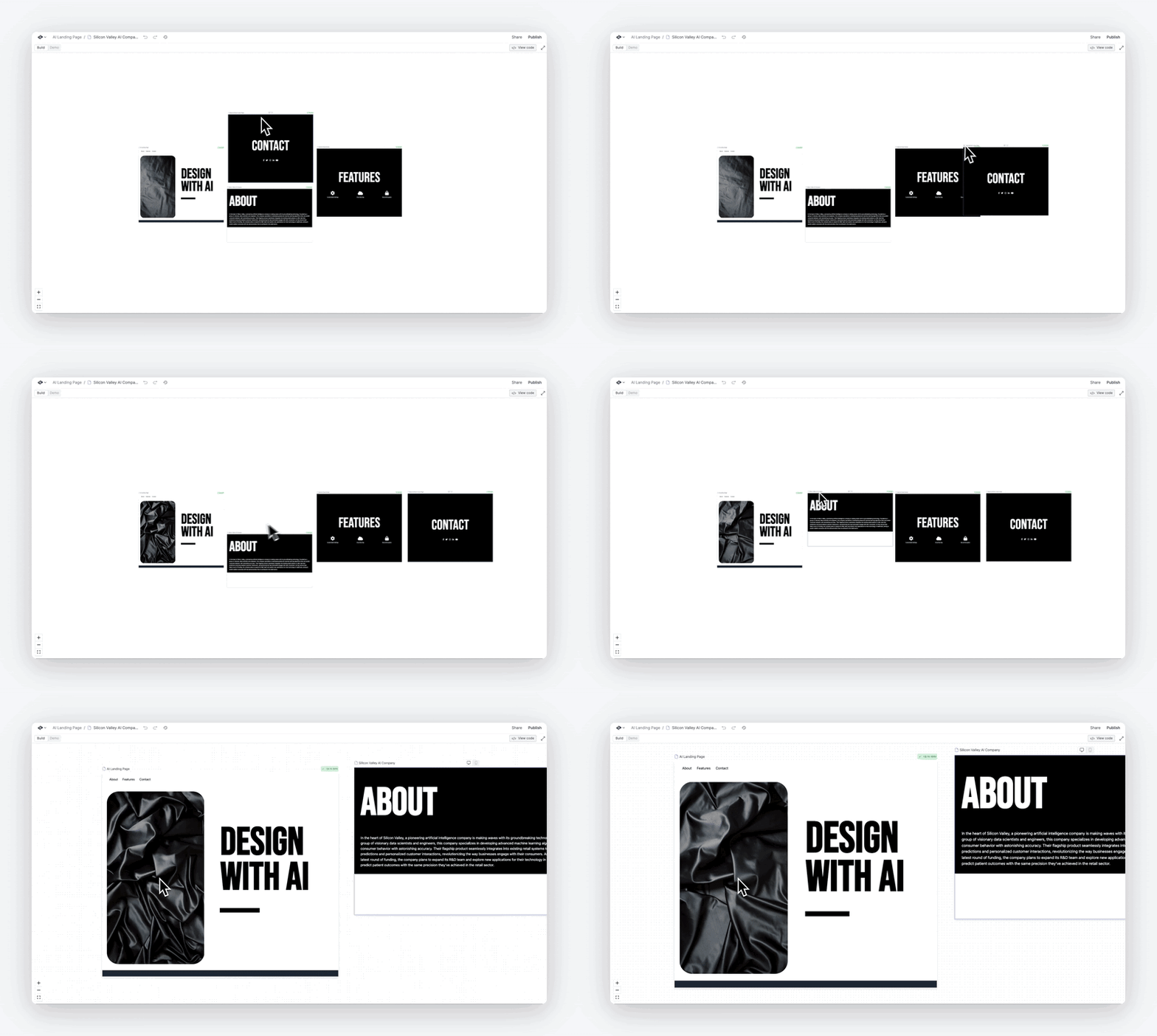
Many of you are building deeper projects - with more components and pages than ever. As your project gets more powerful, it's tough switching tabs to change each part.
So today, we're launching Infinite Canvas. You can now:
- 👀 See all pages and components in a project, without switching tabs.
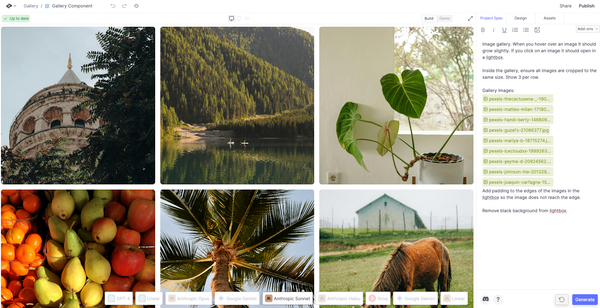
- 🛠️ Tap on any page or component to update the prompt and re-generate it.
- ⚡️ Waiting for something to generate? Work on something else at the same time.
- 🗺️ Zoom out to get a bird's eye view. Zoom in to a single page or component. Drag to reorganize however you design best.
- 🤝 Invite your team and work together in real time
We feel faster already. Feel the difference yourself.
GPT-4o: build everything faster and better...for free
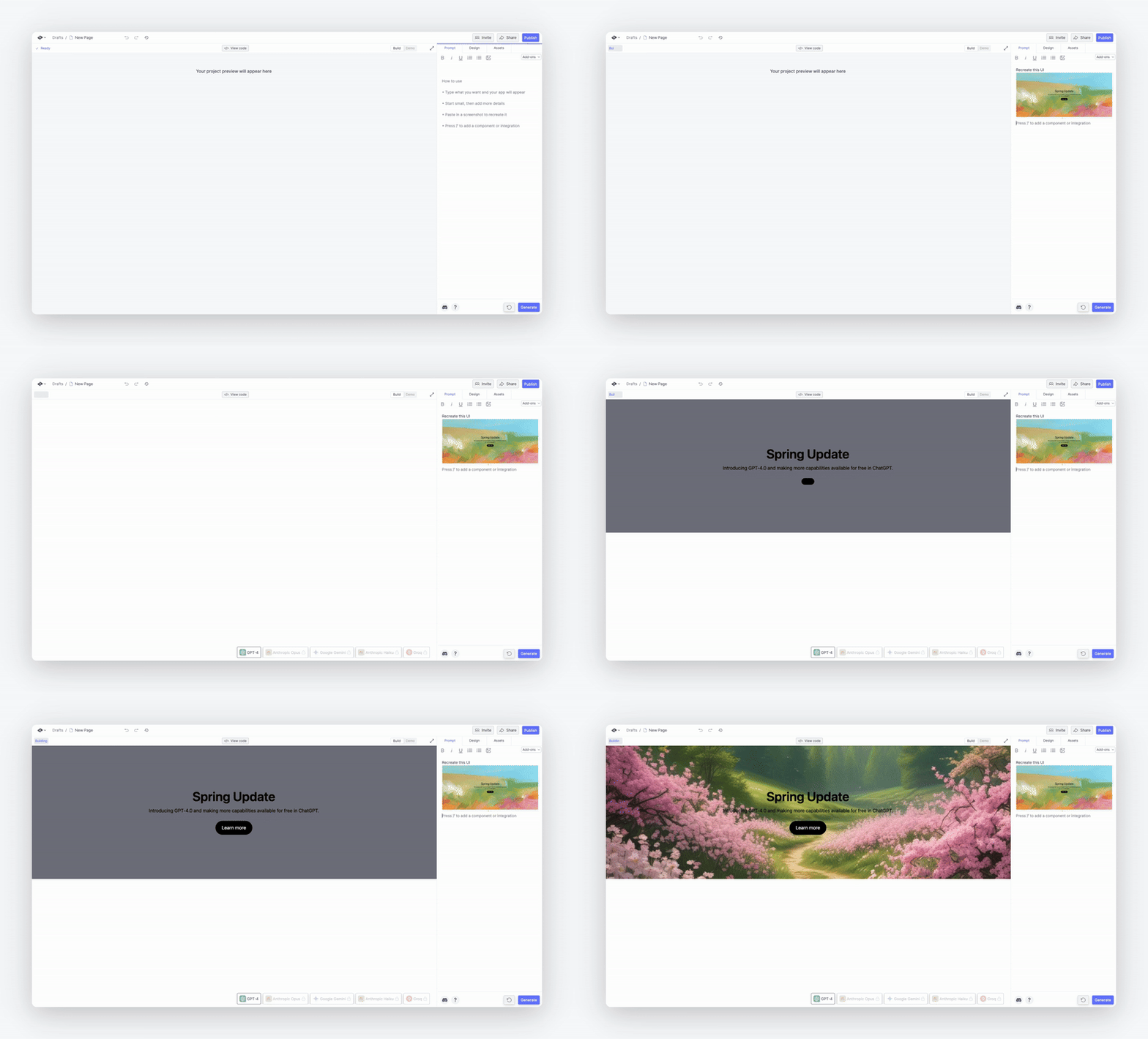
Today, OpenAI released GPT-4o, their latest AI model. You can now use it in Create to make apps - for free. That's right. We made it the default free tier model.
It's way faster, higher quality, and great at images. That means: less bugs, quicker iteration, stronger logic, and UIs that look better.
Best of all? You can make your own tools that use it. Type "/" and choose ChatGPT as an integration.
Invite, Share, Embed: work with your team, show the community your project or embed your app in other sites
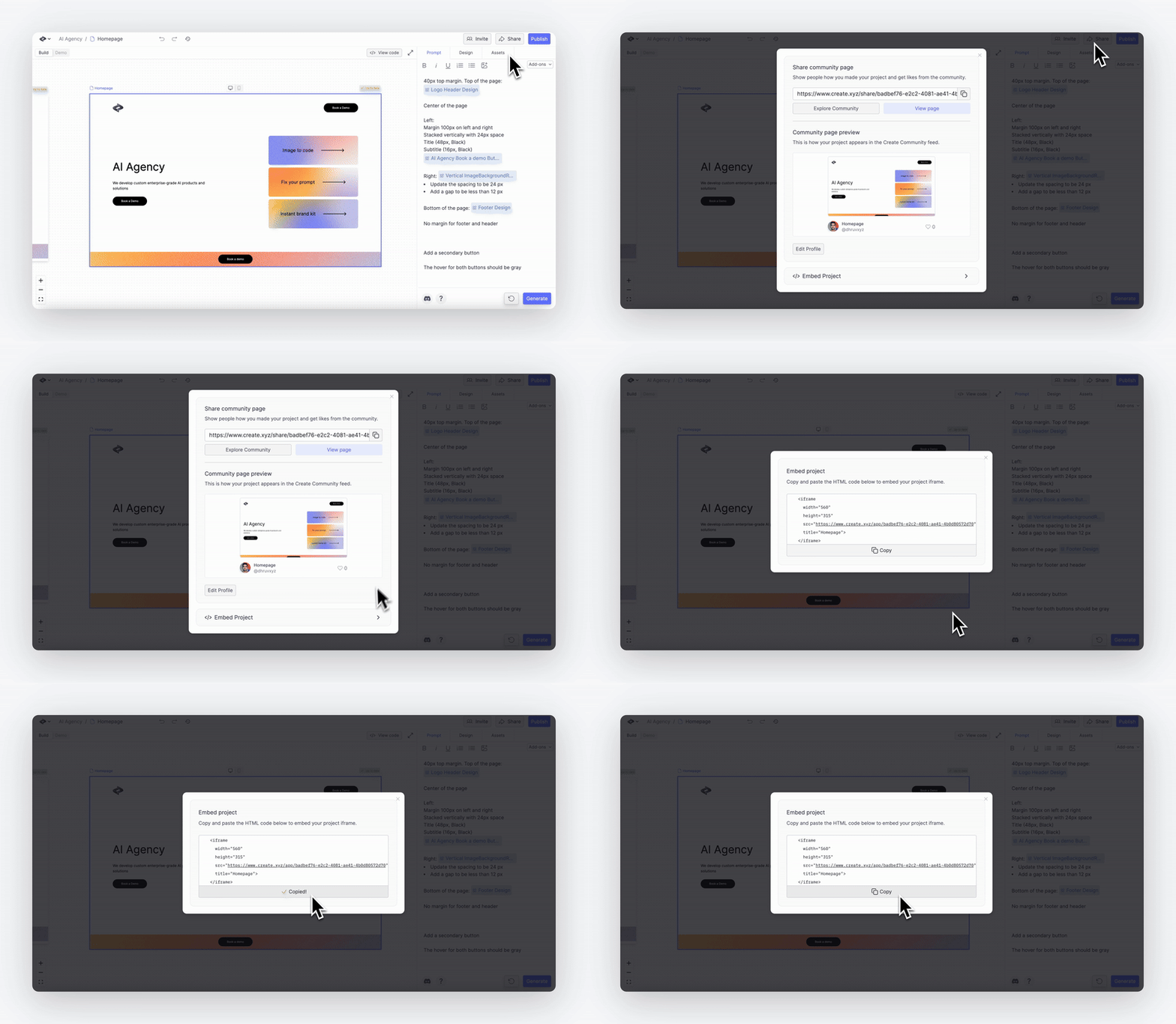
We made sharing easier (in all the ways):
- Invite collaborators to let them work with you in real time on the same project
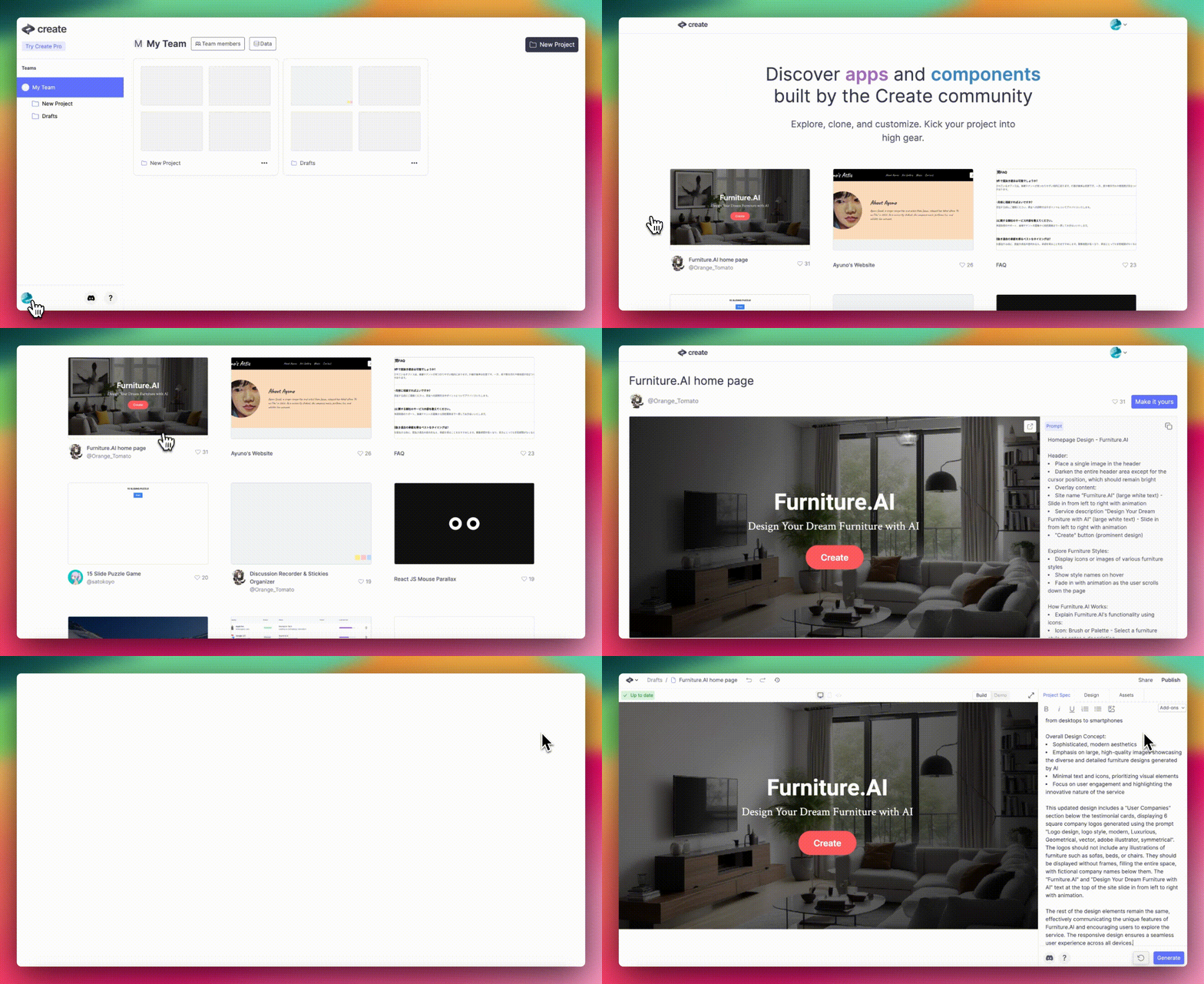
- Share community page to let others upvote your project. This special link shows off the prompt and version history so it's perfect for teaching others.
- Embed project to get iFrame code you can paste into a Wordpress or other site
Send an invite, share, or embed →
Favorites
Things we liked
- There are 70k+ projects and components in the Community feed. Find inspiration, grab components, and remix things.
- Zaria made a video tutorial on how to link multiple pages and URLs (esp good with all the pages you're making on an infinite canvas)
- Dhruv wrote about how to use GPT-4 with Vision to design and build faster.
- Zaria wrote about ways to get started with the new Assets panel
- @Sugurukun_AI is hosting training courses for enterprises in Japan on using Create to improve business efficiency
- People are asking tons of questions and reporting bugs in Discord. We love it. Keep the feedback coming!
Want to chat about Create, AI, and get help building your apps?
Community
Creator of the Week
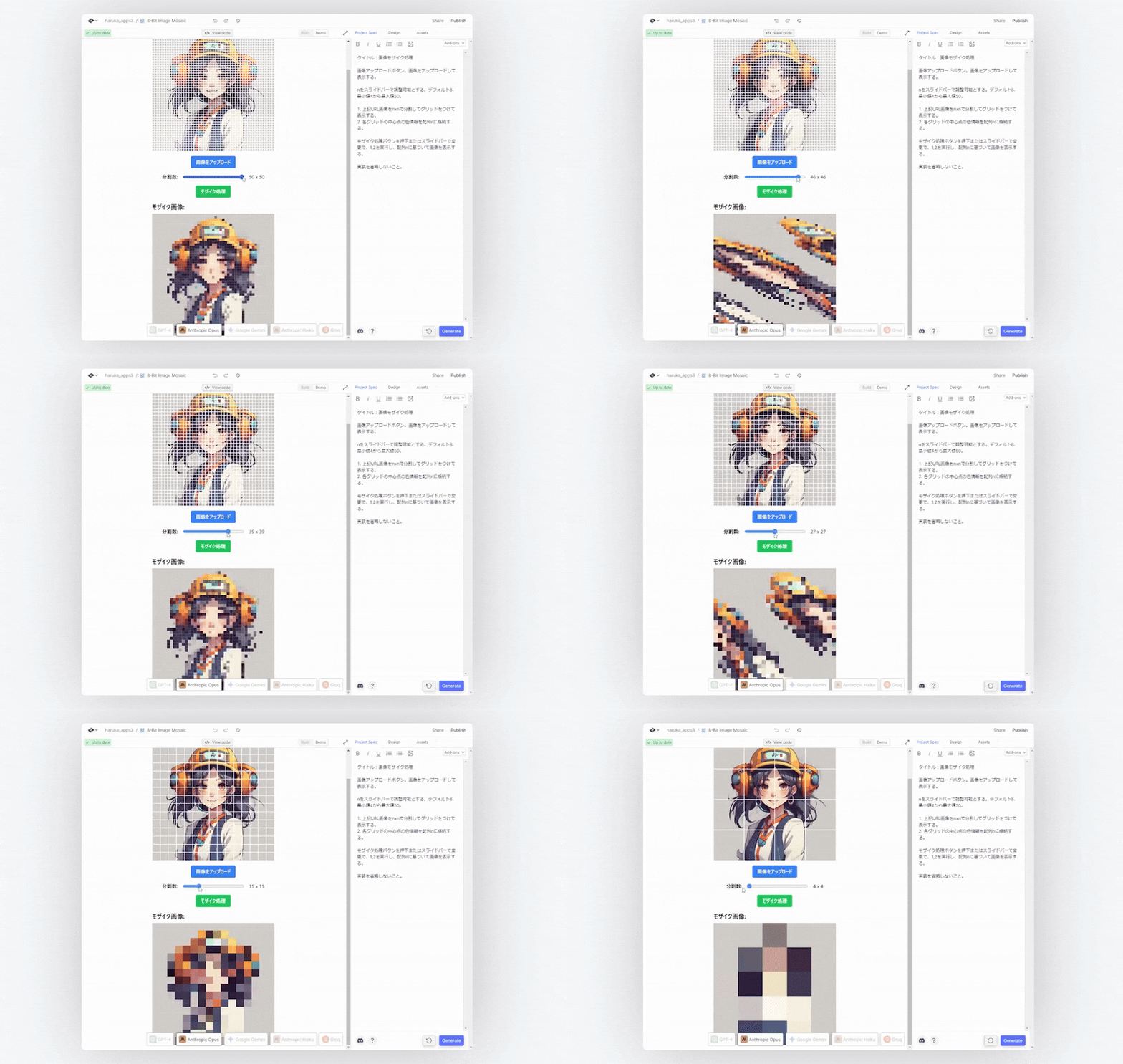
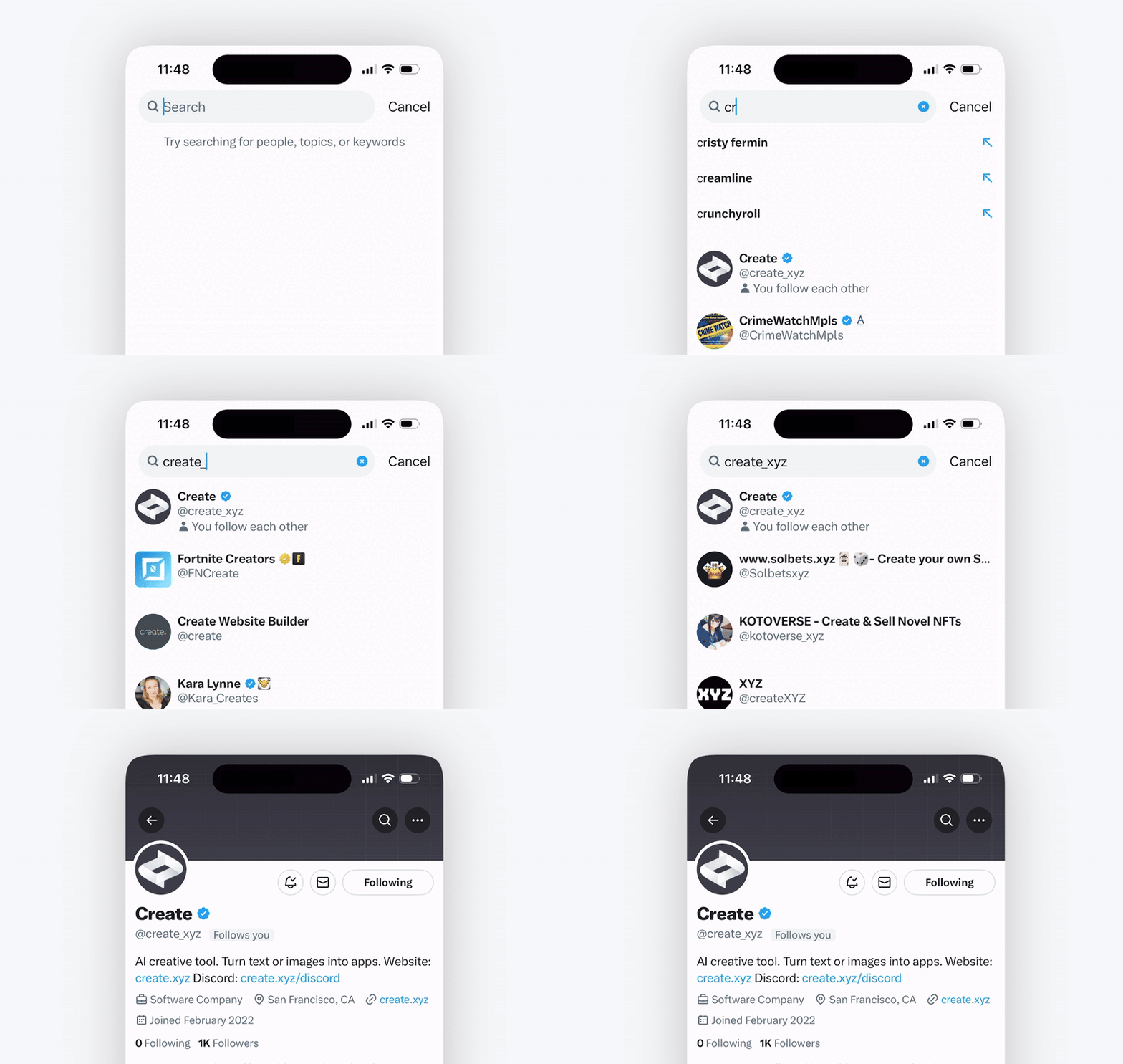
Twitter user @haruka_apps has caught our eye. They're prolific - a new creation (or two) posted every day. Follow them to learn how to make games, animations, and fun mini tools, like this 8 bit image pixelator.
Here are some of our favorites:
- Password Generator (app, tweet)
- Life Game (app, tweet)
- AI Minesweeper Solver (app, tweet)
- Connect 4 (app, tweet)
Think you made the next great thing? Share it on Twitter, get likes in the new community feed and we'll feature you. Or post it in Discord.
Discover the Create Community →
Give Infinite Canvas a try and reply to this email to let us know what you think!
Thanks,
Marcus, Meron, Dhruv, Zaria, and James
Read archives of all previous newsletters