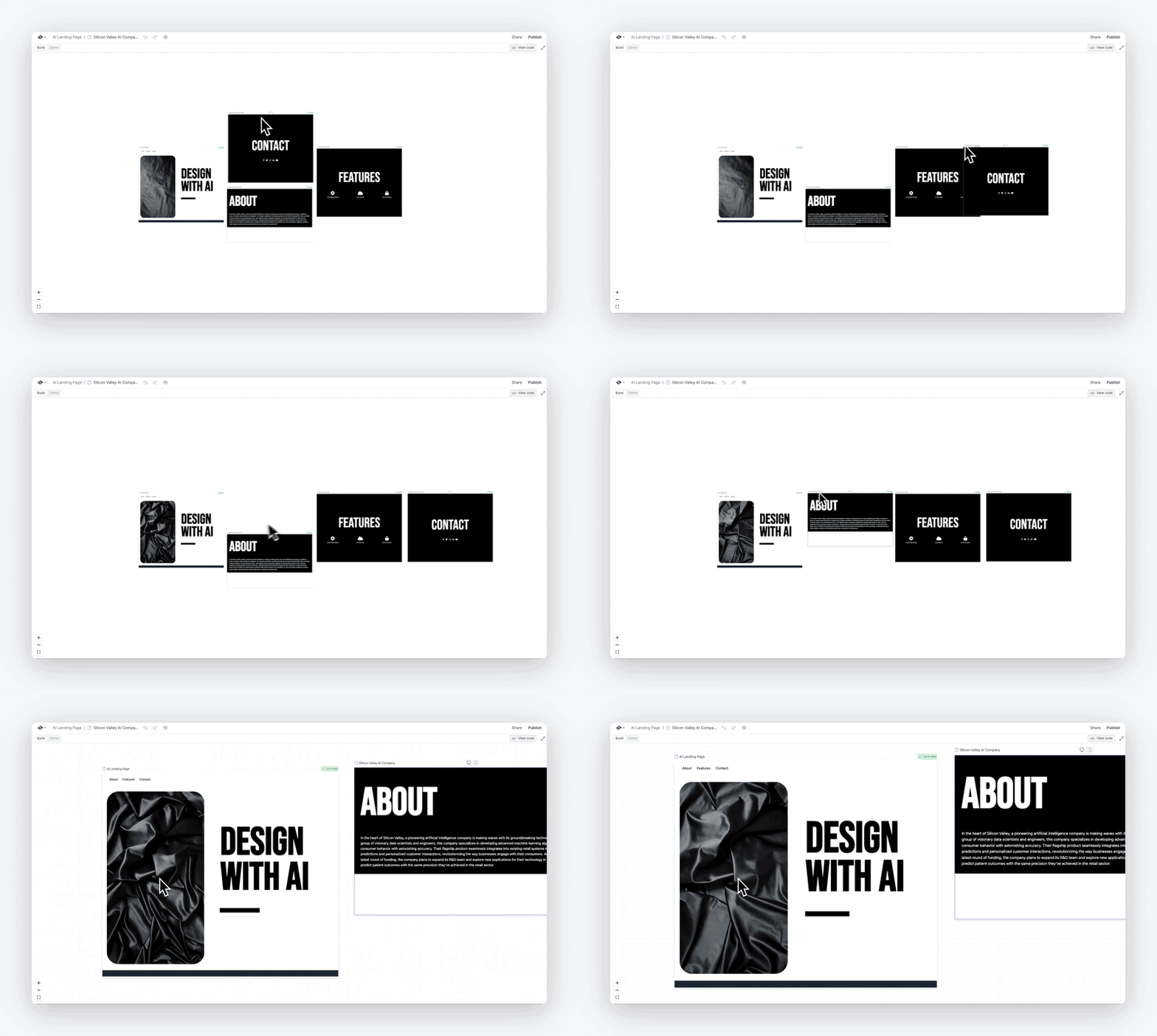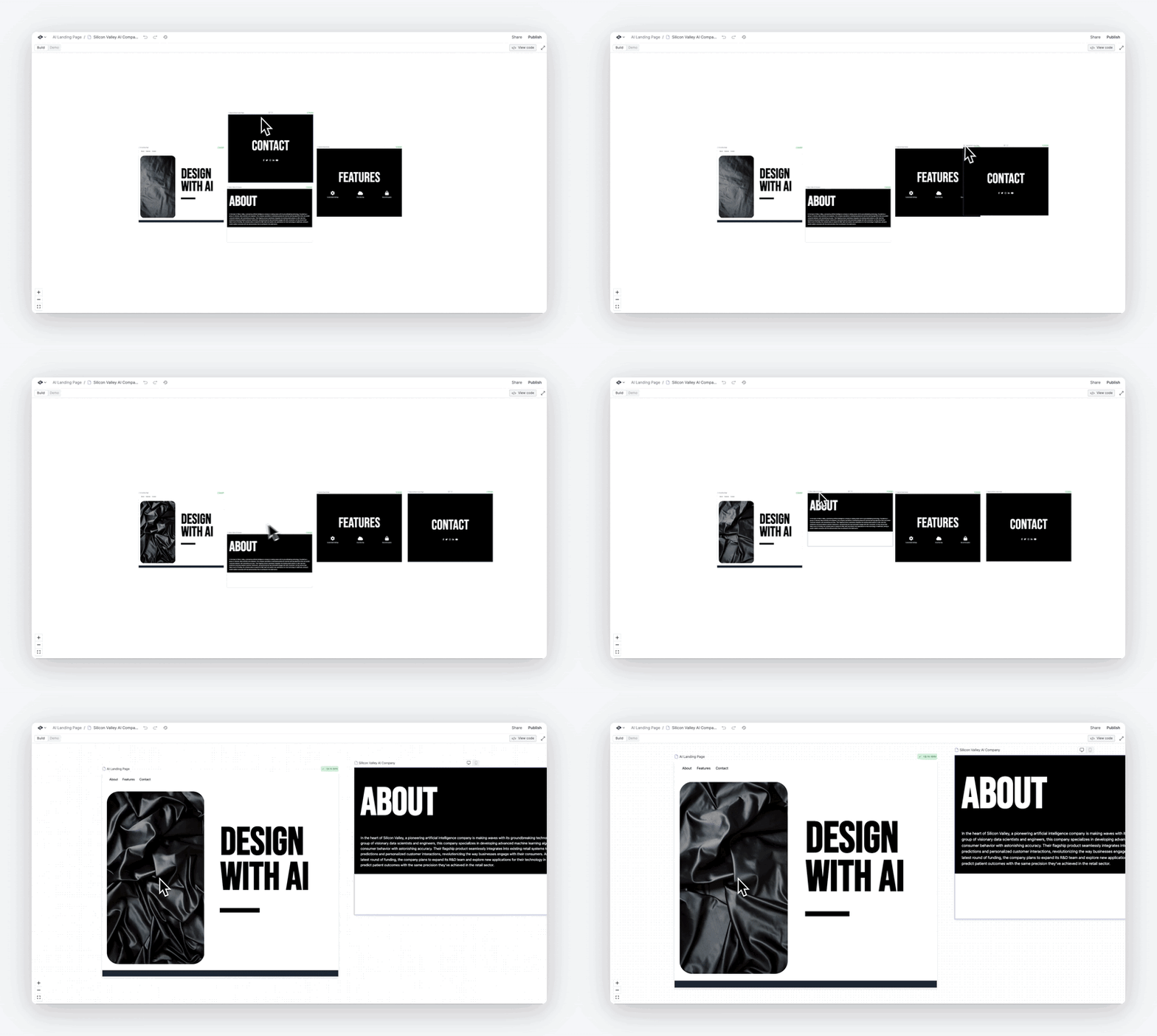
This week: Community and Llama 3

Today, we're launching a new space: our Community feed. Also, some big small things (profiles, delete project), a new fast model (LLama 3 hosted on Groq), and 4 powerful integrations to supercharge how the AI tools you make handle pdfs, markdown, code, and more.
How's that for a week? Let's dive in!
Estimated Read Time: 4 mins
Introducing...
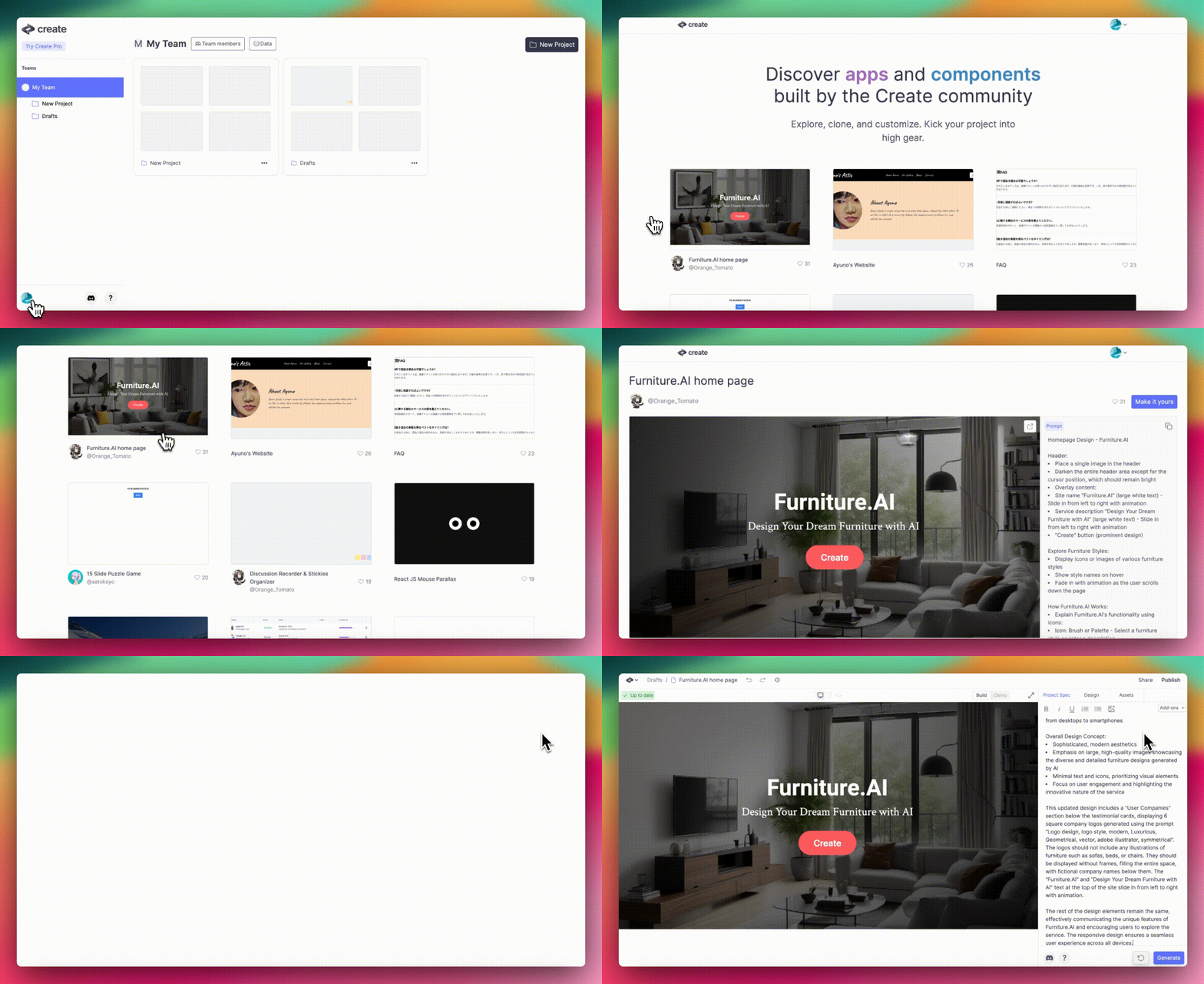
Community: browse, heart, and remix other projects and components
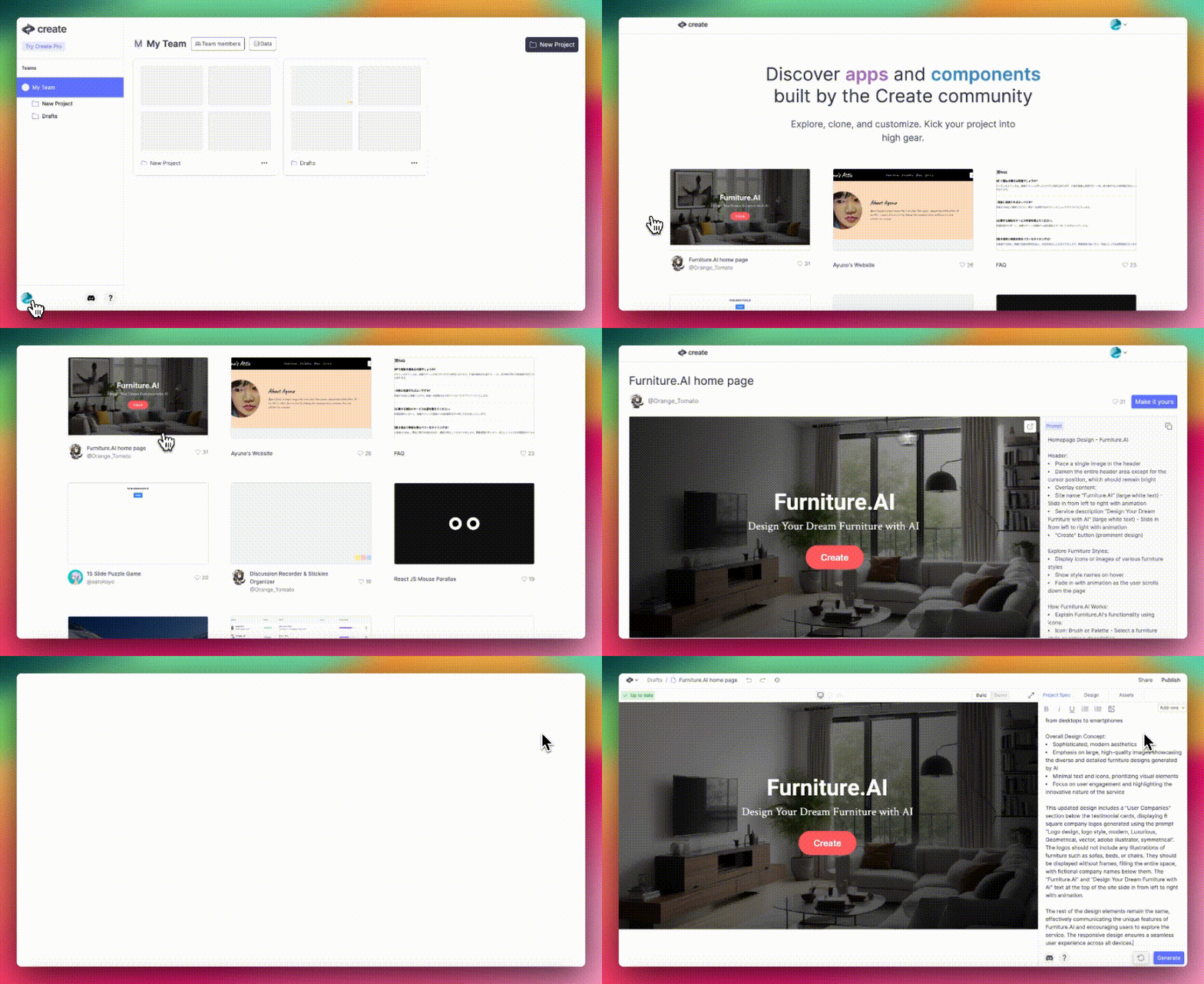
Today, we're launching the community feed. You can browse it here. Gain inspiration, find components to use, or show off your latest creation. What's faster than generating? Using something already made.
Share pages now show the creator (if your profile image is set), the spec, and the history. Heart ❤️ to support the creator and help others find the project in the feed. Tap "Make it yours" to build on top or grab components.
Add a profile photo and username to have them show up on share page for your projects.
All free or Pro tier projects and components are public to the community by default. If you're on a Business or Enterprise tier plan, your projects and components are private by default and won't show up here (see plan options, or upgrade to Business)
Go ahead and find something cool.
LLama 3 on Groq: build fast with GPT-4 like quality
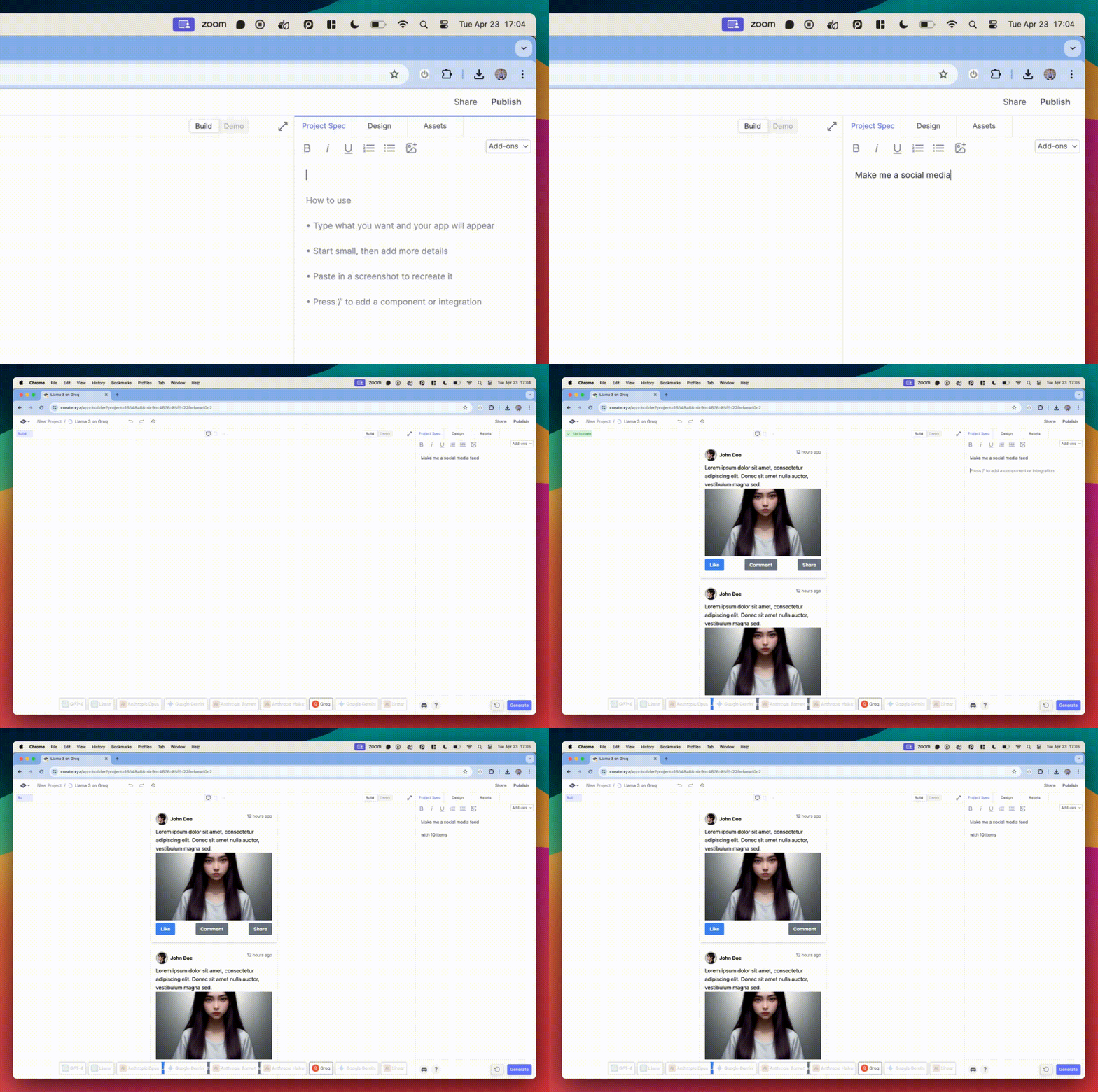
You've probably heard about Meta's new LLama 3 70B model. Some are saying it's comparable to or slightly below GPT-4 quality.
When it's hosted on Groq (super speedy AI infrastructure), it's wayyy faster ⚡️ Speed makes a difference. You can do more iterations per session. Real speed in the gif above.
You can now build sites and tools with Llama 3 on Groq in Create with a Pro plan (try it from the builder). It's the default model our Groq integration uses.
Upgrade to Pro to build with more models. You'll get multiple versions (from different models) for every iteration. Finish faster and flexibly switch between quality + speed as you see fit.
Profiles and Delete Project
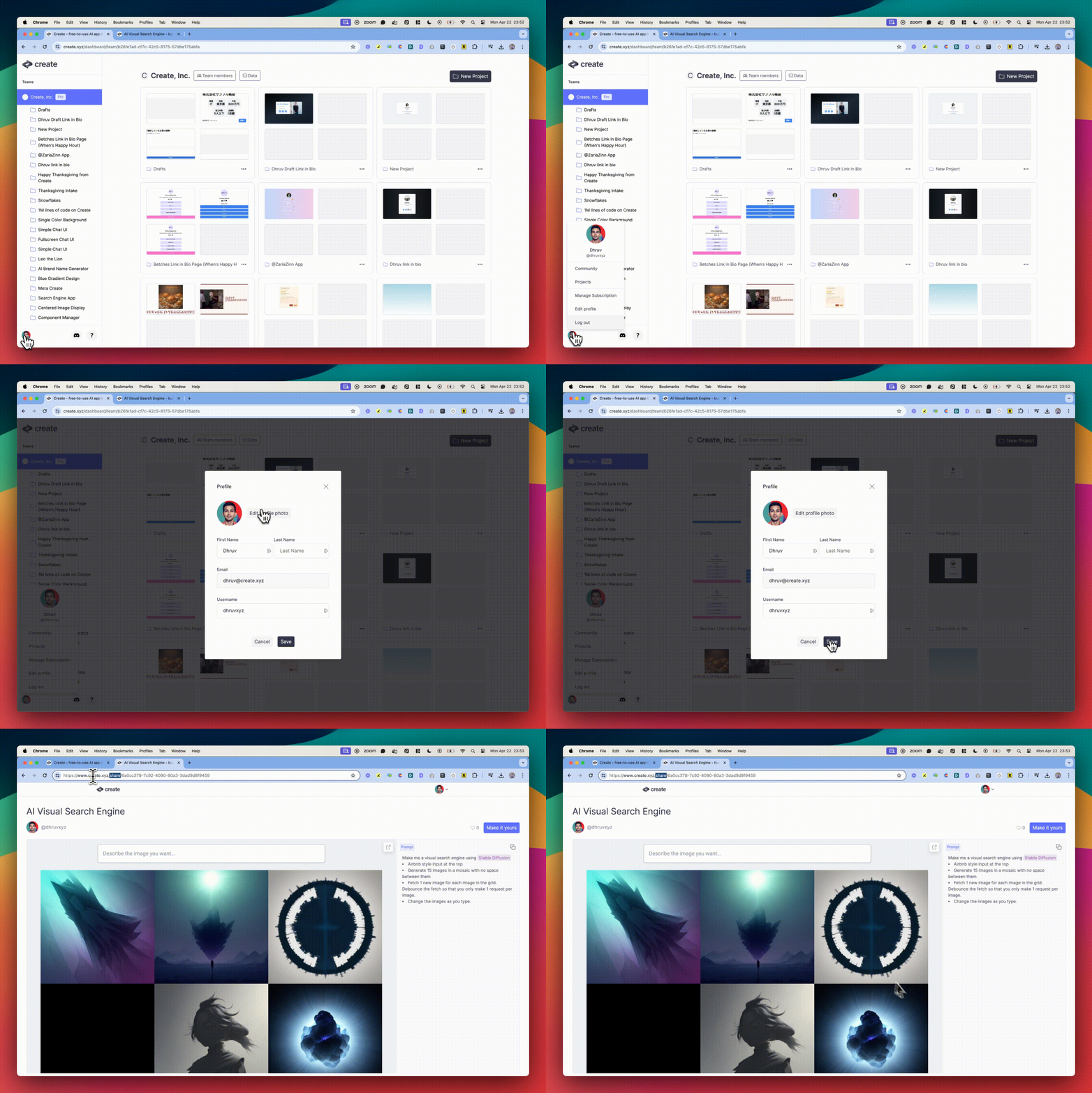
Here's two of our most requested quality of life features 🫡:
- Choose your own profile picture and username. It'll show up on your public projects in the Community hub. Quick - claim your username before it's taken from your dashboard.
- You can now delete entire projects (vs. just pages / components) from your dashboard (hit the 3 dot menu). Clean up your space, and free your mind to think more creatively.
Small big thing: delete whole projects
— Create (@create_xyz) April 23, 2024
So the vibes can stay immaculate pic.twitter.com/R7mzgAl9HK
New Integrations: supercharge your AI tools with PDF Parser, Markdown Renderer, Code Runner, and SEO Keywords
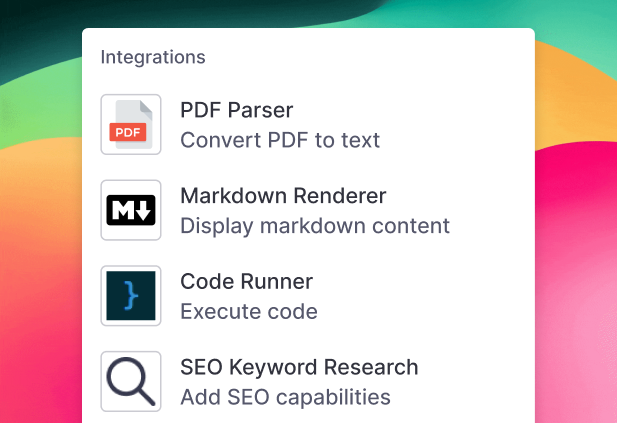
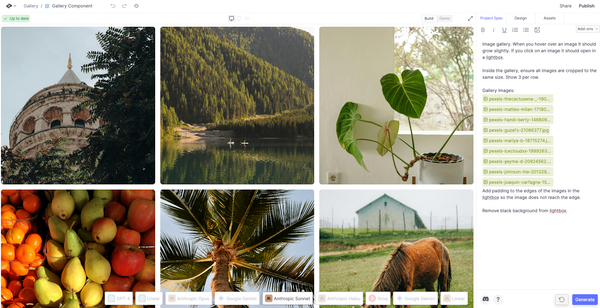
We saw all the AI tools people are creating - and today we're launching 4 new integrations to make them more powerful. As a reminder, you press "/" in your spec, choose the integration, and describe how you want to use it:
- PDF Parser. Automatically convert a PDF to text. No more using the File Converter and GPT Vision integrations to extract PDF info: this integration makes it seamless. Combine it with AI integrations (GPT, Anthropic) to build your own custom tools that use AI on PDFs, like a resume scanner or an invoice parser.
- Markdown Renderer. Display Markdown content. AI models often output markdown content (i.e. those hashtags you see). Now, you can use this integration.
- Code Runner. Execute code. Make your own learning tools or sandboxes that show off code demos. Have AI integrations generate code, and then run it live for your user.
- SEO Keyword Research. Use keyword data. This lets any AI tools you're making use keyword search volume data when optimizing or generating blog posts
Here's our guide to integrations and YouTube tutorial. Try it out from the builder.
Things we liked
- Zaria wrote a Twitter thread with tips on how to make apps that stand out
- We wrote up a guide to using GPT-4-Turbo with Vision in Create
- Last week, we featured Satokoyo as Creator of the Week. Right on cue, they wrote a deep dive blog post on tips for using Create (Google Chrome can translate)
- @Sugurukun_AI hosted an IRL meetup to chat about Create for making AI workflows
- We released a short tutorial video on how to link pages together in multi page apps
Want to chat about Create, AI, and get help building your apps? Hit us up on Discord.
Creation of the Week
We are loving this sticky note canvas made by @Orange_Tomato. See how they did it on the share page, play with it, give them a heart, and make your own version.
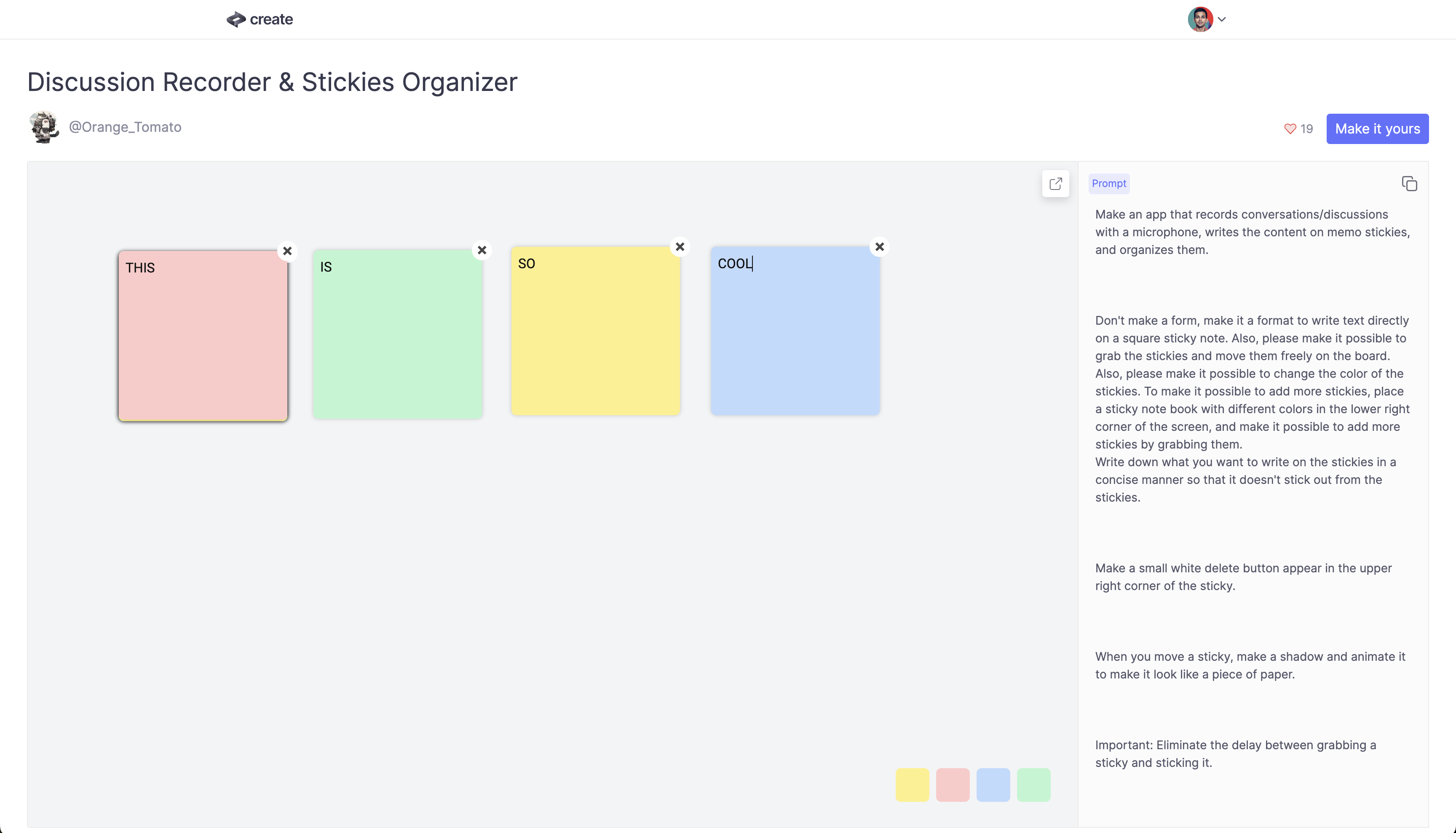
Think you made the next great thing? Share it on Twitter or the new community feed and we'll feature you. Or post it in Discord.
Give this week's new features a try and let us know what you think by dropping a reply to this email!
Thanks,
James, Meron, Dhruv, Marcus and Zaria
Read archives of all previous newsletters